
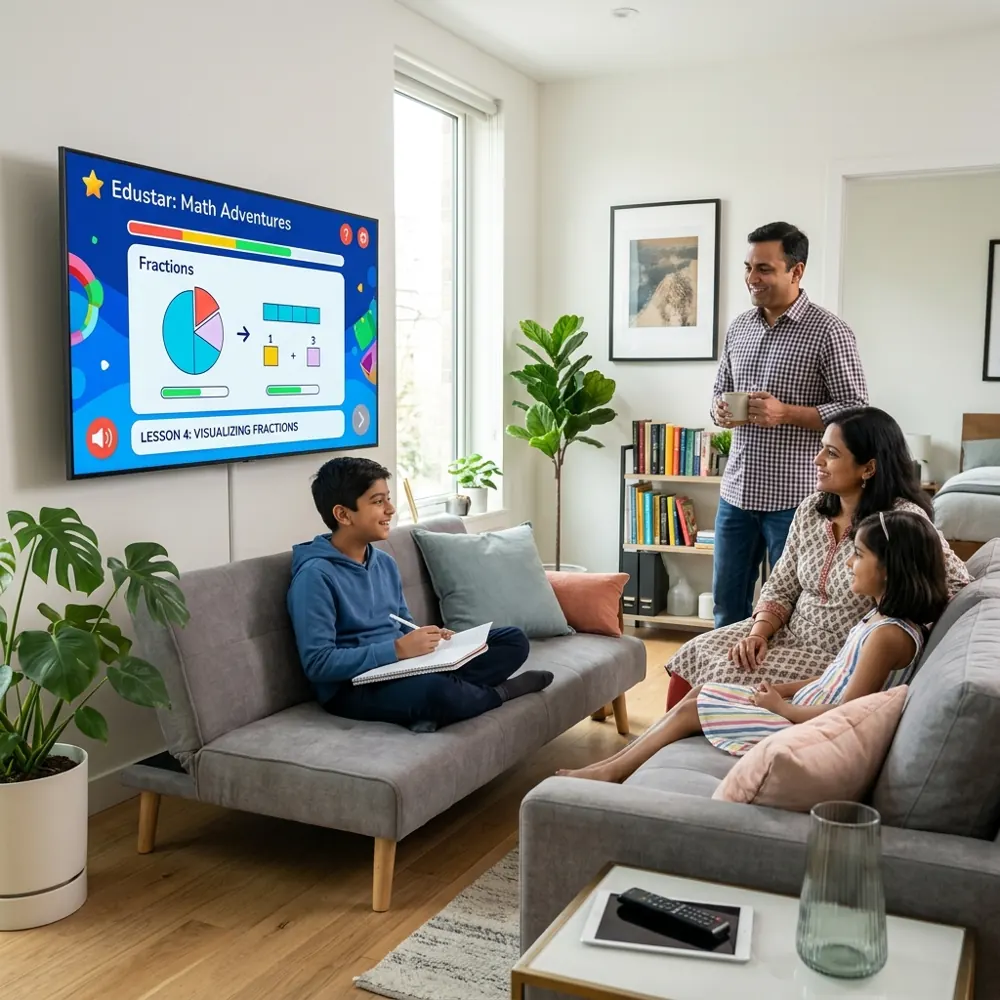
Phones brought lessons home, and that was a real gain. Students could watch a chapter again, revise before a test and learn from good teachers wherever they lived. But the same phone also brought games, short videos and a constant stream of notifications into study time.
The problem with studying on a phone
Every parent has seen it. A student opens a science lesson on the phone. A WhatsApp message arrives, then an Instagram alert, then a friend's invite to a game. A 30-minute study session becomes two hours of scrolling, and very little of the lesson stays in memory.
It is not a question of willpower. Phones are designed to pull attention. Asking a 12-year-old to ignore that pull every evening is asking a lot.
Change the screen, not the child
Instead of fighting the phone, move study to the biggest screen at home: the family Android TV. The VHM TV app shows only VHM Academy lessons, notes and quizzes. There is no browser, no social media and no games inside the app.
- Bigger and easier on the eyes. Diagrams, maps and maths steps are clear from the sofa, with less eye strain than a small screen held close.
- Learning in a shared space. Study happens in the living room, where parents can see it, rather than behind a closed door.
- Simple remote control. Play, pause, rewind and answer quizzes with the TV remote. No typing, no distractions.
Parents stay in control
The TV is signed in from the parent's phone by scanning a QR code, and the parent chooses which child is learning. From the VHM Academy app parents can:
- See which lessons each child finished and how they scored in quizzes.
- Set a daily time limit for the TV.
- Sign the TV out at any time.
One account across phone, web and TV
A child can start a lesson on the TV and finish revision on a laptop. Progress follows the learner profile, not the device. One family plan covers several children, each with their own class, medium and progress.
If you want to see how it feels at home, open any course and watch a free lesson. Then try it on your TV.
