
- Home
- How it works
Start learning in three minutes
All you need is a mobile number. Parents set up one account for the whole family; students and exam aspirants set up their own.
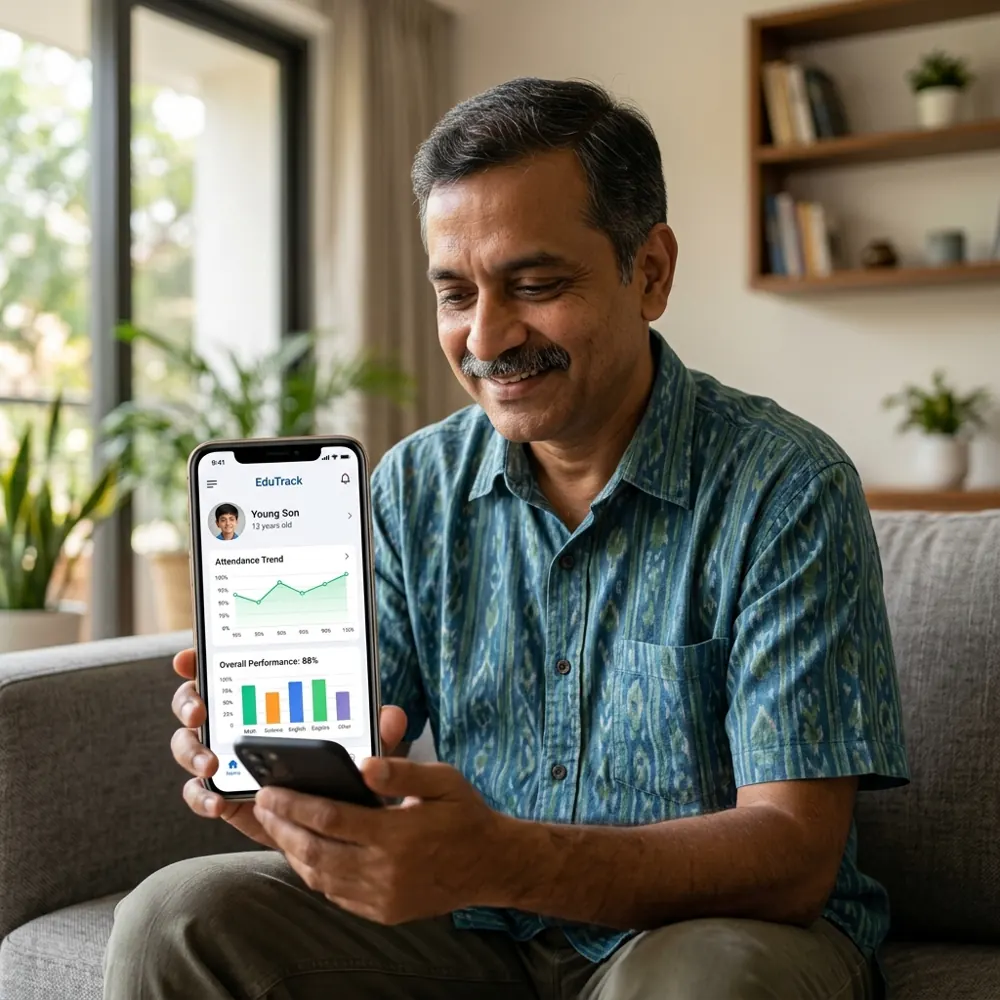
One account for every child
Add each child with their class and medium. Each child gets their own lessons, progress and TV sign-in. Family plans cover several children with one payment.
- See time spent, lessons done and quiz scores
- Set a daily TV limit and bedtime
- Sign the TV in for the right child with one scan
Your own learning plan
Choose your class, a government exam or a skill. Pick up where you left off on any screen, and practise with a quiz after every lesson.
- Full syllabus in short lessons
- Quizzes with explanations
- Continue on phone, web or TV
Step by step
Sign in with your mobile number
In the VHM Learner app. Type your number and the 6-digit code we send by SMS.
Tell us who is learning
Parents: add each child's name, class and medium (Gujarati, Hindi or English). Self-learners: pick your class, exam or skill so we can suggest the right courses.
Open the free lessons
Every course has free preview lessons, and some courses are free in full. Try the teaching before you pay.
Choose a plan
Single course, whole class, exam pass or family plan. Pay with UPI, card, net banking or wallet. Access starts at once and you get a GST invoice.
Have a coupon? Enter it at checkout.
Learn on the TV (optional)
Install the VHM TV app on your Android TV. It shows a QR code. Scan it with your phone camera or the VHM app, choose the child, and the TV opens their lessons.
The TV only shows the chosen child's courses. You can sign it out any time from My account → TV.
Common questions
Do I need to download anything?
No. You can learn on the website in any browser. The mobile app and the TV app are optional and use the same account.
Which TVs work?
Android TV, Google TV, or any TV with an Android TV box or stick that has Google Play.
Can two children watch on two TVs at the same time?
Yes. Sign each TV in for a different child.
I paid but the course is still locked.
Pull down to refresh, or sign out and in again. If it is still locked after a few minutes, message us on WhatsApp with your mobile number.
Can I change my child's class later?
Yes. Go to My account → Profiles and change the class. New courses are suggested automatically.
Start learning today
Sign in with your mobile number, add your children or pick your exam, and open the free lessons in every course.