- Home
- Android TV app
Learning on the biggest screen at home
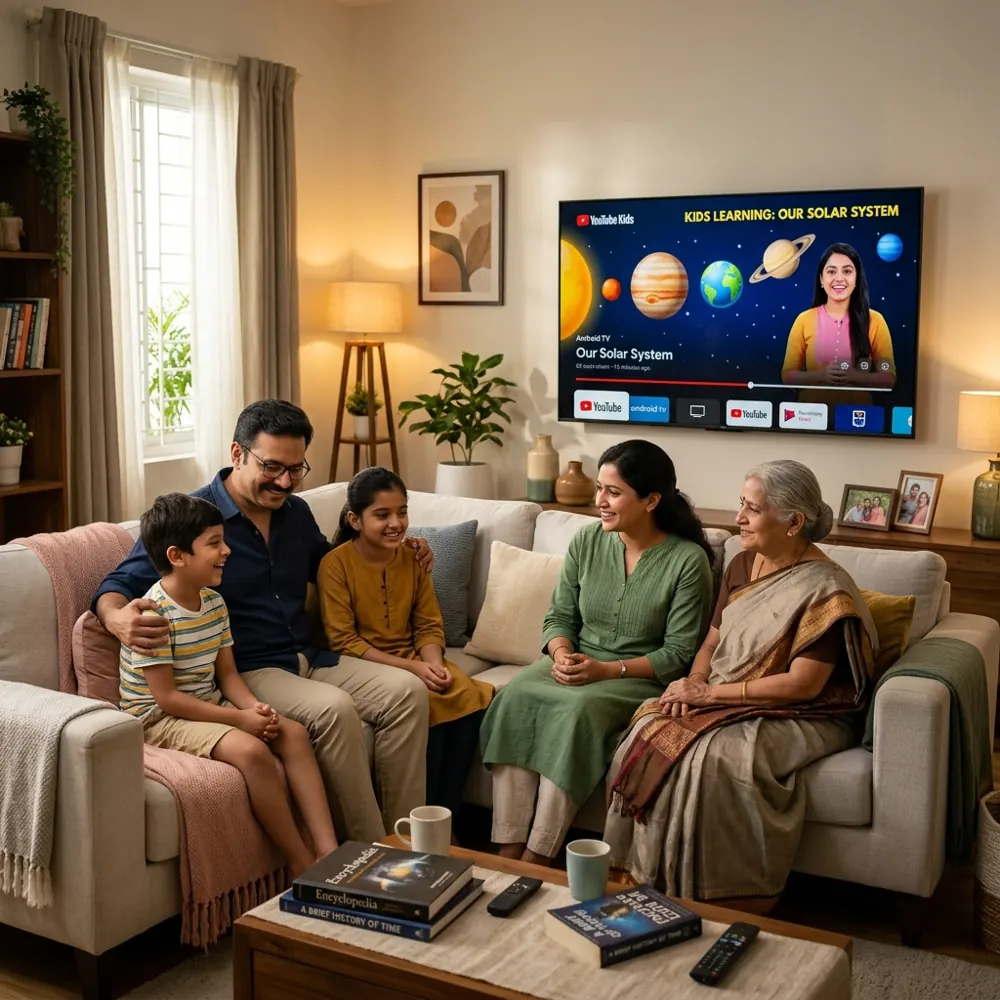
The VHM TV app turns the family TV into a study screen. Lessons, notes and quizzes are picked with the remote, parents sign it in from their phone, and there is nothing else on it to distract.
What your child finds on the TV
A simple home screen built for a remote control and a 10-foot viewing distance.
Video lessons
Chapter-wise recorded lessons for their class and medium.
Notes and worksheets
PDF notes open full screen and are easy to read from the sofa.
Quizzes
Answer with the remote. Scores go to the parent's phone.
Continue watching
Pick up exactly where they stopped, on any device.
Parents decide when the TV is for study
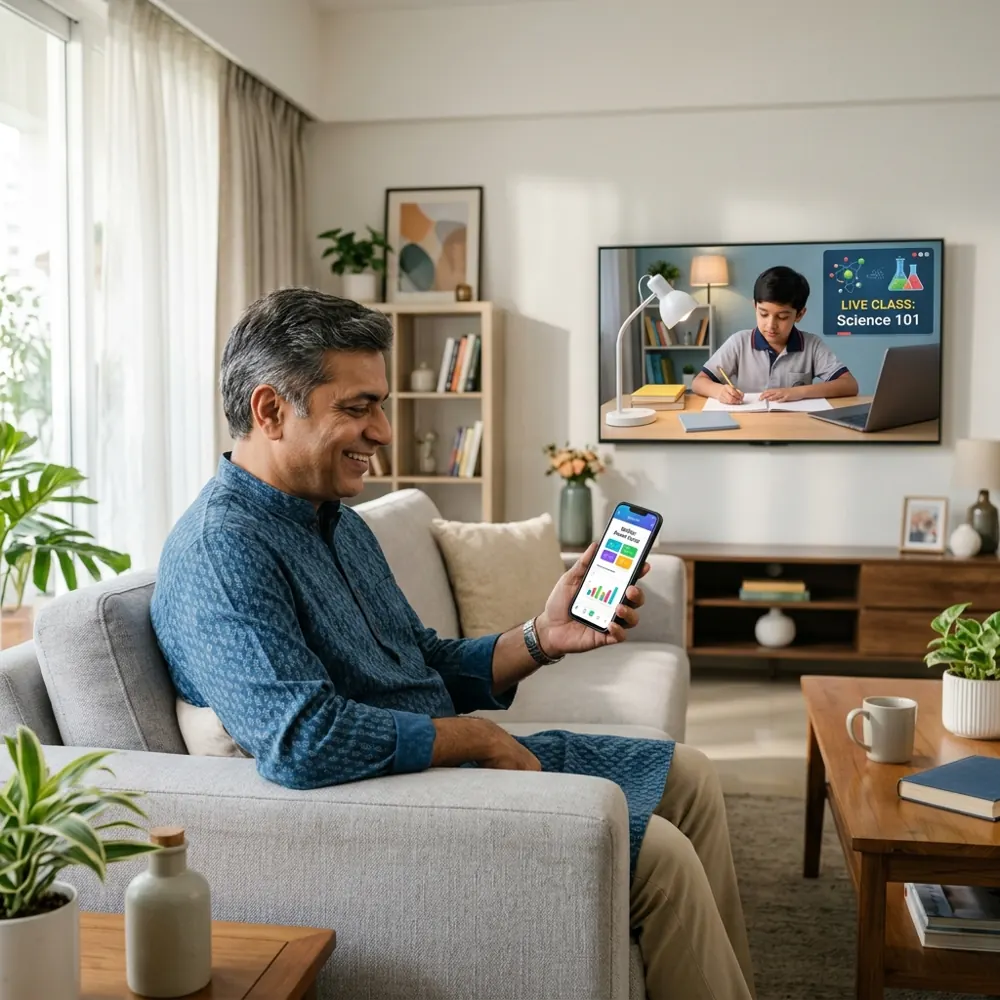
The VHM TV app shows a code and QR on screen. Scan it with the VHM Academy app, choose the child, and their courses appear. You can see what they watched and sign the TV out at any time.
- Sign in with one scan from your phone
- Each child sees only their own courses and progress
- Set a daily TV time limit for the family
- VHM lessons only. No browser, games or social media inside the app
Set it up in three steps
1. Install
Get the VHM TV app on any Android TV or Google TV, or a TV stick running Android TV.
2. Scan
Open it and scan the code with the VHM Academy app, or enter the code at vhmacademy.com/tv/link.
3. Choose the learner
Pick which child is studying. Switch learners from your phone any time.
Questions about the TV app
Which TVs does it work on?
Android TV and Google TV sets, and TV sticks or boxes running Android TV. Any TV with an HDMI port can use one of these sticks.
Does it cost extra?
No. The TV app is included in every plan, and free courses and preview lessons work on the TV too.
Can my child open YouTube or games from the app?
No. The VHM TV app shows VHM Academy lessons, notes and quizzes only.
How many TVs can I use?
You can sign in more than one TV in your home and see them all in My account → TV. Sign any TV out from there.
Does it need fast internet?
Videos adjust to your connection. A normal home Wi-Fi or a phone hotspot works.
Start learning today
Sign in with your mobile number, add your children or pick your exam, and open the free lessons in every course.